Roblox: How to add an invisible space to your nickname
A recent change in Roblox is affecting names with invisible spaces and may confuse players. Here's what to do now.

Anyone trying to change their Roblox nickname has probably noticed: some names are appearing "bugged" or simply no longer work as before. And the detail that almost no one has noticed is that this is directly related to the use of invisible spaces .
This has started to attract attention recently, especially among players who use special symbols to personalize their name. In some cases, the nickname doesn't save or loses its effect after a while.
What changed in Roblox's naming system?
In recent days, the community has begun reporting changes in the behavior of Roblox's naming system. Even without a formal announcement, several players have noticed that certain invisible characters are being filtered or ignored.
This change appears to be part of a larger adjustment to the platform's automated moderation, focused on preventing illegible names or names that could confuse other players.
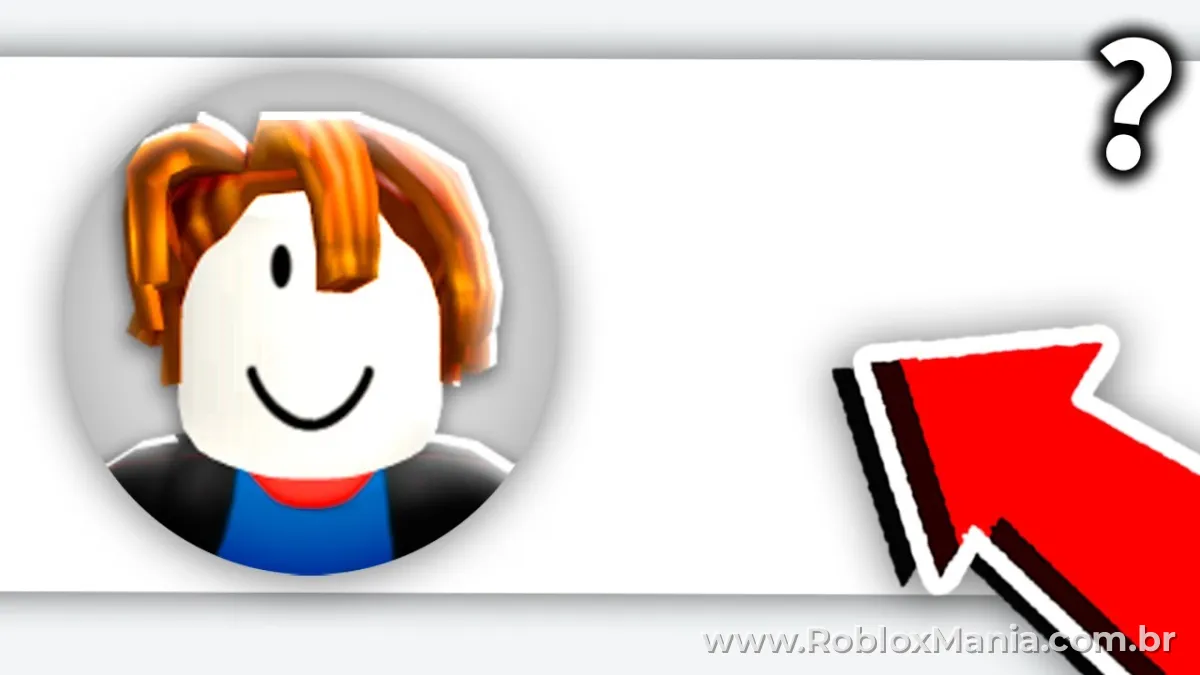
Why does this also affect those who use invisible space?
The use of invisible spaces has become a trend precisely because it allows for the creation of unique nicknames with a "clean" or distinctive appearance. However, with these changes, some codes may stop working.
Roblox's system is beginning to block or reinterpret certain invisible characters used in custom names, directly affecting those who use this type of formatting.
What can happen to your nickname?
- Name not saved correctly
- Invisible space does not appear.
- Nick returns to standard format
- Error while trying to change the name.
How to continue using invisible space without error
Even with these changes, it's still possible to use this feature — but the secret is in using the correct character.
If you want to avoid errors or blocking, the ideal solution is to use a method that has already been tested and continues to work. Here's an updated guide that shows exactly how to do this step-by-step with invisible spaces without causing errors.
This type of adjustment doesn't only affect Roblox — several games are reinforcing name validations, so understanding this now can prevent headaches later.
Could this change again?
Yes, it's possible. Since there hasn't been a detailed official announcement, these changes may continue to be adjusted gradually. In other words, what works today may stop working soon.
Therefore, those who like to customize their nickname need to pay attention to changes and always use updated methods.